
Tutorials

X Close

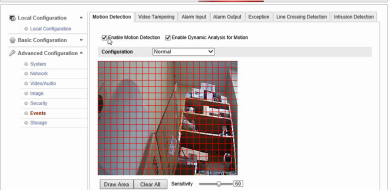
Let's show you how to setup a Hikvision Camera with Camcloud. https://www.youtube.com/watch?v=ERKLrhPV-jQ Step #1. Setup the Camera Wizard First login to camcloud.com and go to the “Cameras” page. Then click on “Add Camera” to start the Camera Wizard. Since we’re dealing with Hikvision cameras, select “Generic H.264”. At...

Read more

Previously we’ve discussed 3 tips for setting up your Foscam on wireless. We’ve been working hard on making it easier for you to manage your cloud recordings. [embed]http://youtu.be/FZDtVInp5kE[/embed] Here are 3 quick tips that would help you have an easier time managing your cloud recordings on Camcloud. 3....

Read more

Here at Camcloud the topic of port forwarding your IP camera comes up often. I thought it was time we refreshed some tips and tricks I use to setup port forwarding. In order to view your IP camera outside your local network you need to...

Read more

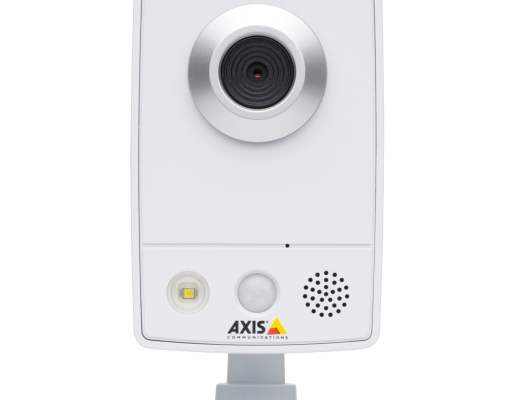
Before starting I suggest watching: [embed]https://www.youtube.com/watch?v=3RLkFvRpA-o[/embed] Setting up the D-Link DCS-942L is super easy. Go to www.mydlink.com/download and click the setup for your platform. Then it is a simple matter of following the onscreen instructions. Ultimately it will find your camera on your network and it will ask you...

Read more

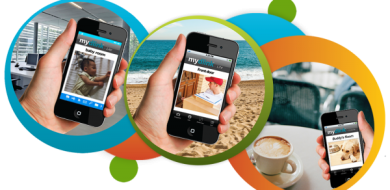
D-link is one of the most popular brand of IP cameras among our users. Although myDlink has its benefits, there has been a lot of confusion surrounding its service and its connection with Camcloud. MyDlink and Camcloud are two different services. In fact, you don't need to use...

Read more
Ready to get started with Camcloud?
Find out how easy it is.