
Security Guards vs. Remote Video Monitoring: How to Protect Your Entire Property
Having someone on site doesn’t mean your entire property is protected.
If you’re weighing security guards for your business, warehouse, construction site, or commercial property, look closely at what a guard can and can’t cover. It’s a conversation we have with property owners and security managers every week.
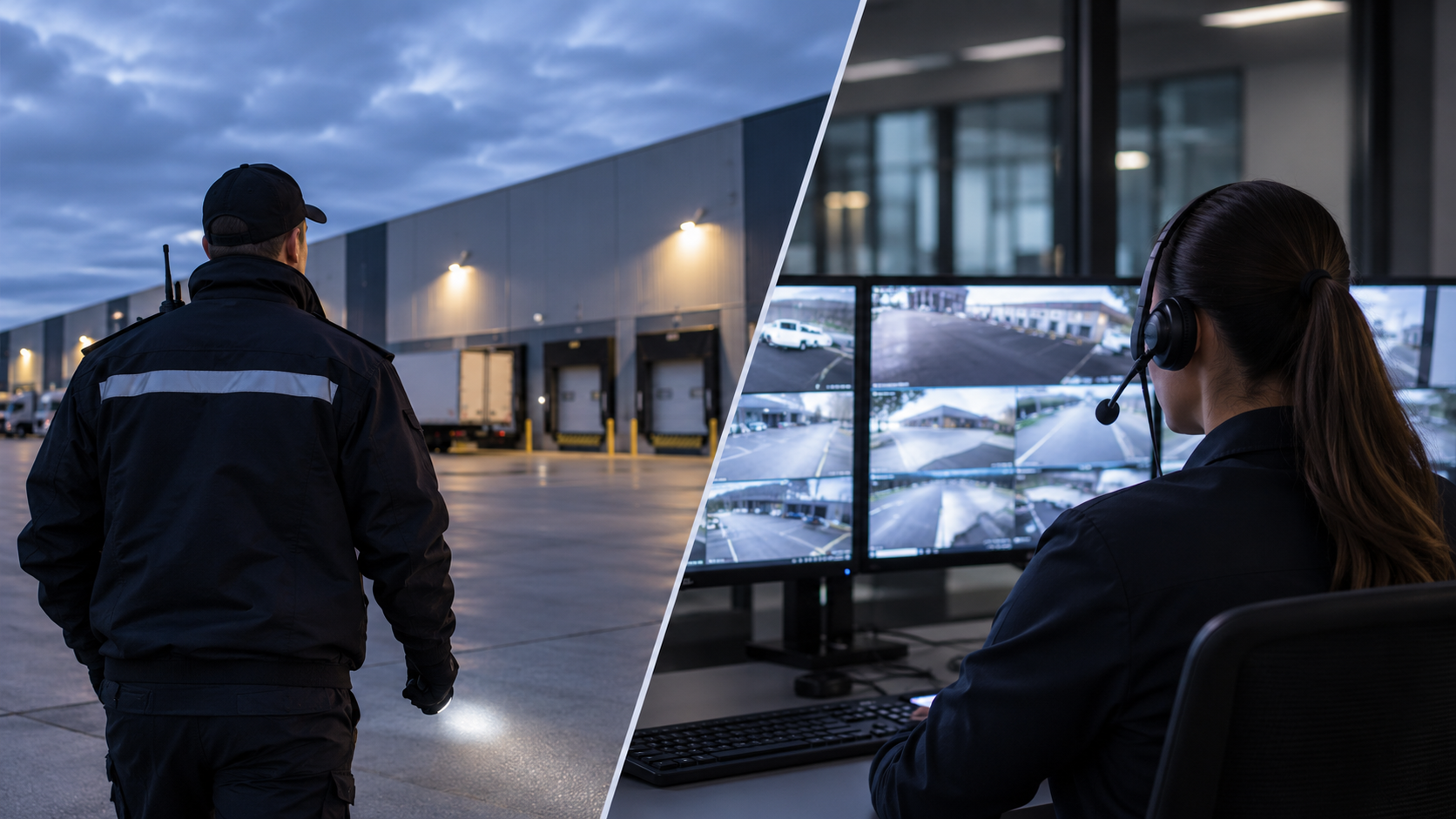
A good guard is valuable. They patrol, manage access points, and handle situations that need a person on the ground. But a guard can only be in one place at a time, and most properties have more ground than one person can watch. Every patrol route leaves the rest of the site unobserved until the next pass.
So how do you keep eyes on the whole property without adding headcount every time the site grows?
That’s the problem Remote Video Monitoring was built to solve. It pairs your cameras and cloud AI analytics with trained monitoring operators who watch your site, verify suspicious activity, and coordinate a response as an incident unfolds. You get a second layer of protection that works around the clock, not just while someone is walking the fence line.
One Guard Can’t Be Everywhere. Your Cameras Can.
Physical coverage is limited by how many people you have and where they’re standing. Think about how much ground your property covers: multiple entrances, parking areas, equipment storage, loading docks, perimeter fencing, restricted spaces. While a guard patrols one section, something can be happening in another.
Intruders can use this. A predictable patrol tells someone exactly when a gate or a yard will be unobserved.
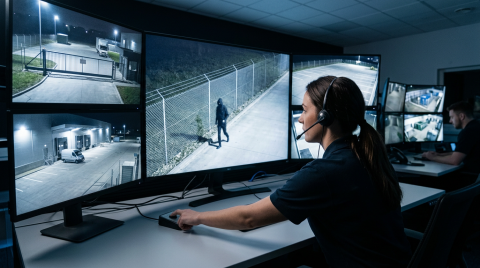
Remote Video Monitoring removes that blind spot. With cameras positioned across the property, every area is visible at once. Camcloud connects those cameras to a professional monitoring centre, where trained operators review activity and act on security events.
Sure, a guard can also monitor cameras but that takes away from their patrols, and besides, an internet connected camera can be securely monitored from anywhere more efficiently and cost-effectively.
And you don’t need to start over to get there. Camcloud works with the IP cameras you already own, from manufacturers like Axis, Milesight, Hanwha Vision, and Hikvision, and it needs no on-site servers or recorders. Sites without wired power or internet can leverage off-grid and construction solutions that run over 4G/5G or Starlink.
The result is full-site coverage without posting a person at every corner. The larger your site, the more that matters.

What Can Remote Video Monitoring Do for Your Business?
Remote video monitoring turns cameras from a recording tool into an active security operation. Most camera systems only help after the fact, when someone scrolls back through footage to see what went wrong. Monitoring changes when you find out: during the event, not the morning after.
Here is what that looks like on a Camcloud-monitored property.
24/7 intrusion detection with AI
AI-powered video analytics flag people, vehicles, and movement in the areas you define. An operator then reviews the live footage and confirms what’s happening before any response starts. That human check is what separates a real intrusion from animals, a delivery driver, or a shadow.
Remote access monitoring
With connected cameras and two-way audio, operators can speak with visitors, verify credentials, and support your access procedures at designated entry points. Sites that track vehicles can add licence plate recognition at the gate.
Live voice deterrence
Once an intrusion is verified, operators speak directly through on-site speakers. Being told, live, that you’re on camera and that authorities are being called is often enough to send someone back over the fence before anything is taken.
Emergency communication
Intercoms, emergency call stations, and designated communication points connect straight to monitoring operators, who follow the emergency procedures you’ve established.
Together, these keep your property under active watch when the business is closed and no staff or guards are on site.
Remote Monitoring and Physical Security Work Better Together
Choosing remote video monitoring doesn’t mean letting your guards go. On many sites, the strongest setup uses both.
Your guards focus on work that needs a physical presence: assisting employees, staffing specific access points, and responding in person. Remote monitoring keeps watch over everything else.
Consider an overnight break-in at a warehouse. Without monitoring, the guard discovers it on the next patrol, possibly an hour later. With monitored cameras, the activity is flagged as it happens. An operator verifies the event, tells the guard exactly where it is, gives live updates, and calls in additional help if needed.
Your guard knows where to go and what they’re walking into before they approach. That is safer for them and faster for you.
The combination gets more out of the security budget you already have, and it extends protection past the areas a patrol can reach.
A More Cost-Effective Approach to Property Security
Maintaining on-site security around the clock comes with ongoing staffing and operational expenses. As your property expands or you add more locations, keeping consistent physical coverage can become increasingly challenging.
Remote Video Monitoring offers a different approach. Instead of relying entirely on physical patrols, you can extend security coverage across multiple camera locations through a centralized monitoring operation.
Take a simple example. One guard on a 12-hour overnight shift at $30 per hour comes to about $10,800 a month, based on a 30-day month. Add a security vehicle at $20 per hour and the monthly cost rises to about $18,000.
That is still one person covering one property, for half the day.
With Camcloud, you can leverage your existing cameras without purchasing additional on-site hardware. There’s no need for another recorder or server to install and maintain. And if you’re still relying on an aging NVR, our cloud NVR replacement offers a way to move your video surveillance to the cloud.
Your investment depends on the number of cameras, the monitoring hours, and your security requirements. For large properties and multi-location businesses, it is a far more scalable way to hold coverage steady as you grow.
Is Your Current Security Setup Leaving Gaps?
With or without a guard, if you can’t answer the five questions below with confidence, your setup has gaps worth closing. They apply whether you use guards, cameras, or both.
- Are all entrances, perimeter areas, and restricted zones covered?
- What happens when the property is unattended overnight or on weekends?
- Are your cameras actively monitored, or mostly used to review footage after an incident?
- How quickly can suspicious activity be identified and verified?
- Is there a clear process for notifying the right people and coordinating a response?
Having cameras installed is a strong starting point. But recording a property and monitoring it are two different things, and the gap between them is where incidents go unnoticed.
Why Businesses Choose Camcloud
Camcloud puts video, AI detection, and professional monitoring on one cloud platform, so there is no patchwork of vendors to manage.
- It runs on the cameras you have. Our open platform supports a wide range of IP cameras, so monitoring is added to your system, not bolted on with new hardware.
- One platform for every site. Manage one warehouse or hundreds of locations from a single login, with footage stored securely off site in the cloud.
- It fits your industry. We support construction and off-grid sites, property management, retail and restaurants, and more.
See how Camcloud Remote Video Monitoring works, or contact us to book a demo and get pricing for your property.

No Comments