
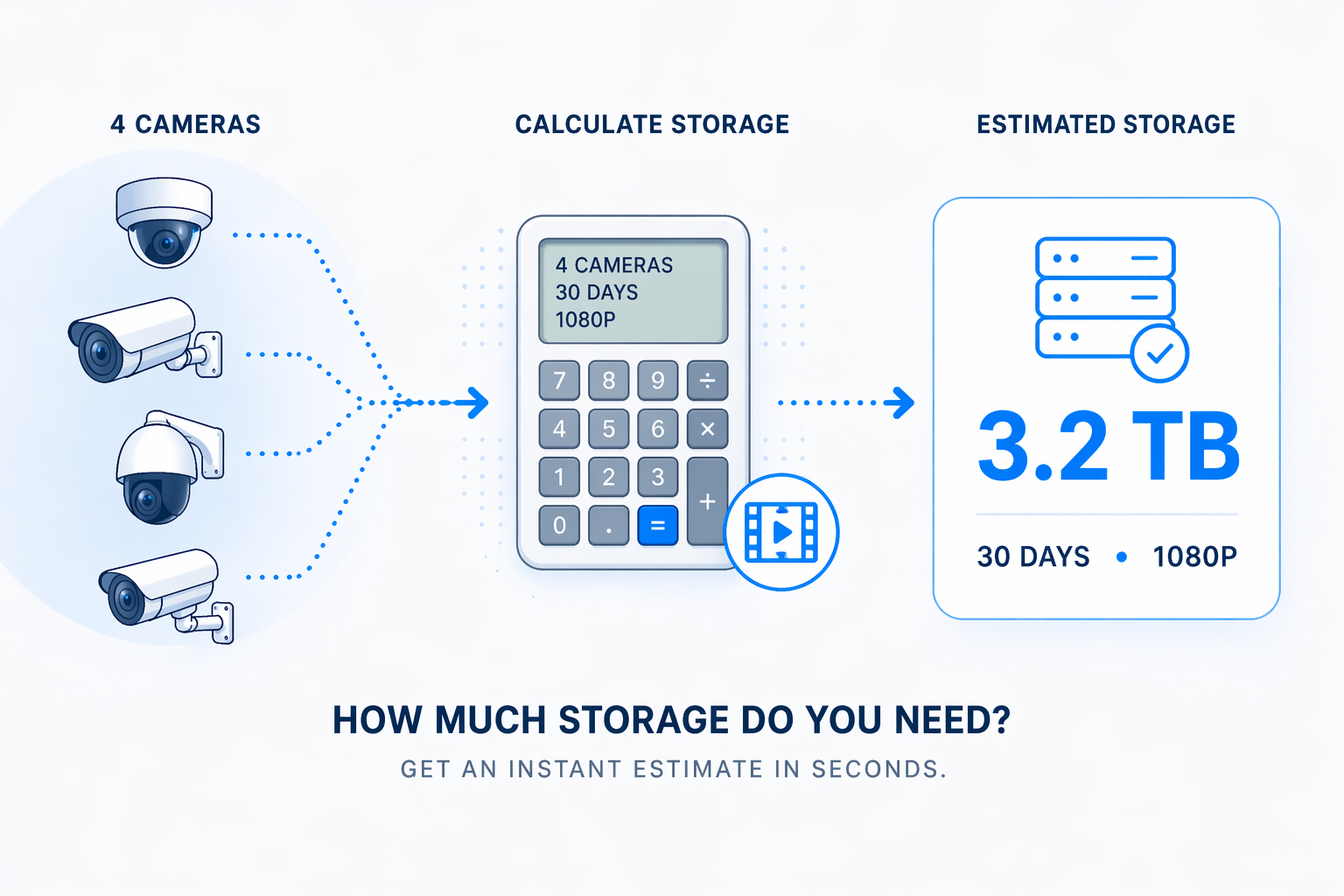
Camera Storage Calculator (Free) | Estimate CCTV & IP Camera Storage
Researching options for a new IP Camera video surveillance system?
Talk to one of our Solutions Specialists and Learn How Cloud can help you meet your goals.
Camera Storage Calculator Notes
How much storage do security cameras need?
Storage depends on three key factors:
- Number of cameras
- Video quality (resolution / bitrate)
- Retention period
At a basic level:
Storage = Cameras × Bitrate × Recording Time
A single 1080p camera recording continuously at ~1 Mbps uses roughly 10–12 GB per day. Multiply that across more cameras and longer retention, and requirements quickly scale into terabytes.
This calculator estimates storage using typical bitrate ranges for each resolution.
What affects CCTV and IP camera storage requirements?
Several variables impact total storage:
- Resolution: 4K requires significantly more storage than 720p or 1080p
- Compression: H.264 and H.265 reduce storage compared to older formats
- Recording mode: Continuous recording uses far more storage than motion-based
- Retention period: Longer retention increases storage linearly
- Number of cameras: More cameras = proportional increase in storage
Bitrate isn’t constant (VBR vs CBR)
Most modern IP cameras use Variable Bitrate (VBR), meaning actual storage usage fluctuates based on scene activity.
- Busy scenes (movement, traffic, crowds) → higher bitrate
- Static scenes (empty rooms, low activity) → lower bitrate
Because of this, cameras rarely run at their maximum configured bitrate continuously.
This makes storage harder to estimate precisely in advance. The calculator provides a conservative average estimate, but real-world usage may be lower — especially in low-activity environments.
How to reduce video surveillance storage requirements
To lower storage needs:
- Reduce bitrate or resolution settings where appropriate
- Use H.265 compression if supported
- Adjust retention periods to match actual requirements
Cloud vs local storage (NVR)
Traditional on-prem NVR systems require upfront storage sizing, often leading to over- or under-provisioning.
Cloud-based video surveillance:
- removes local storage hardware
- scales storage automatically
- simplifies retention management
Quick takeaway
IP camera storage adds up quickly, especially with higher resolutions and longer retention. Since most cameras use variable bitrate, actual usage will vary by scene — so using a calculator helps size your system accurately while avoiding over-provisioning.

No Comments